
Hybrid Event AV: A Reality Check From Someone Who's Run 23 of Them
Hybrid events sound simple — in-person attendees plus a livestream — and they are brutally not. Here's what I've learned from 23 of them about AV, the budget surprises, and the four things that actually matter.

A client called me last spring and said: “We want to do a hybrid offsite. 200 in person, maybe 600 streaming. Budget should be similar to last year’s in-person 200.” I asked her if she’d ever produced a hybrid event before. She said no, why? I told her to add 40-60% to the budget and we’d talk through why.
She didn’t believe me. We talked again three weeks later, after she’d gotten her first AV quote. She believed me then.
I’ve run 23 hybrid events since 2020. Most went well. Three were rough — one in particular was a 90-minute speaker session where the in-person room had perfect AV and the livestream had mostly buffering and a recurring ghost echo that we still don’t have a fully clean explanation for. I learned a lot from that one.
This post is what I tell every client who’s about to do a hybrid for the first time, in the order I tell it to them.
The basic mistake: thinking it’s two events
Hybrid is not “in-person event with a camera” and it’s not “Zoom event with some people in the room.” It’s a third thing, and the production needs reflect that.
The in-person audience needs:
- Speaker amplification appropriate to the room
- Lighting that’s pleasant for them
- Q&A that they can hear and participate in
- Visuals that read at the back of the room
The remote audience needs:
- Speaker audio with a clean mix and consistent levels
- Lighting that reads on camera (different from “pleasant in the room”)
- Q&A that’s been moderated and queued (because typing into chat doesn’t translate)
- Visuals at livestream resolution with proper title cards and lower-thirds
The mistake first-timers make is assuming the in-person setup will produce a livestream. It won’t. You’re producing two different shows from the same source content, and each show has its own technical needs.
The four things that actually matter
I’ve come to think of hybrid event AV as having four pillars. Get all four right and the event works. Get three right and you’ll have one noticeable problem the day-of. Get two right and you’ll have a disaster.
1. Audio
The single most under-budgeted line in hybrid AV is audio. People assume “audio is audio” — it’s not. For a hybrid you need:
- Wireless lavaliers for every speaker (handheld backup mic — get one)
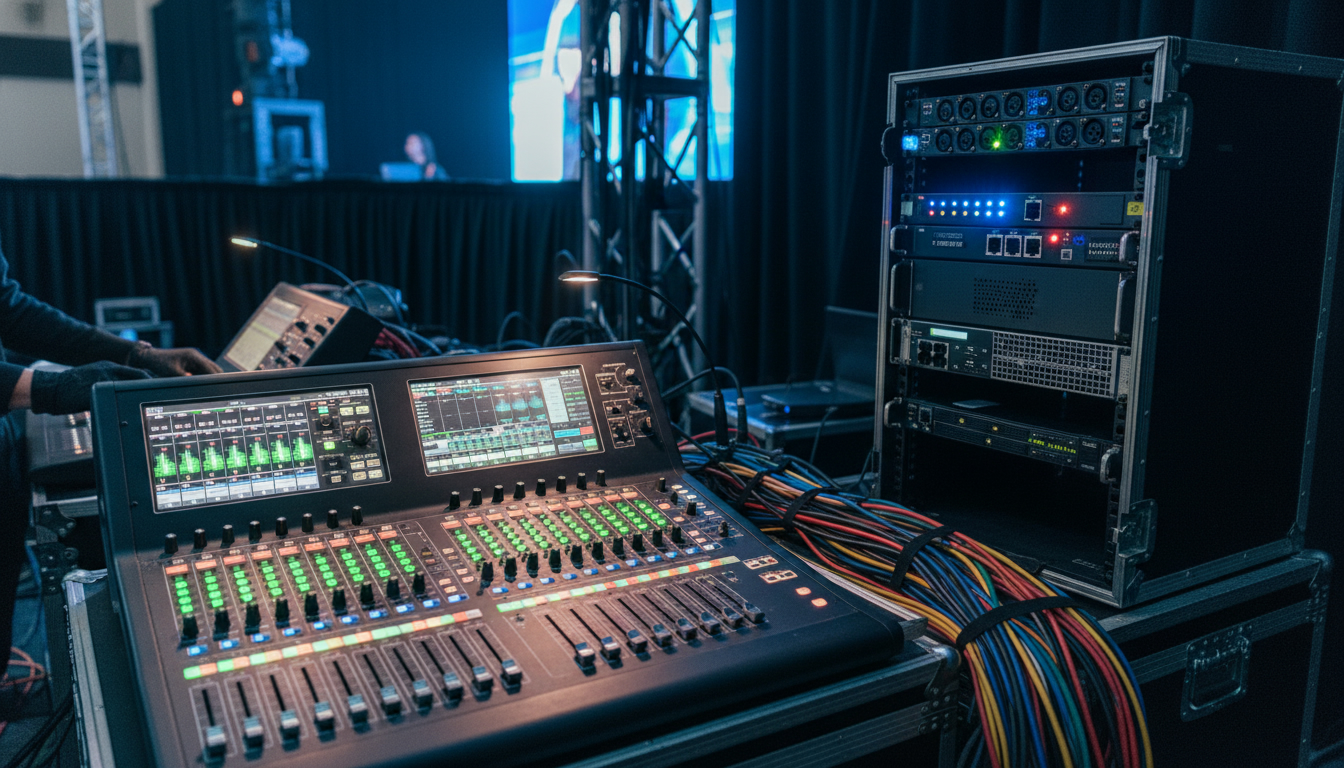
- A mixer with a feed split: one for in-room PA, one for the livestream
- Quality audience-mic system for Q&A (handheld passed mics work; in-ceiling pickup doesn’t)
- Audio compression on the stream feed so quiet speakers and loud speakers come through at consistent levels
- A real audio engineer the day of (not “the AV tech also runs audio”)
Budget impact: a basic in-person AV package might be $4,000. The audio upgrade for hybrid pushes it to $7,000-$9,000. If your speakers will be doing video calls (interviewing remote panelists), add another $1,500-$2,500 for the bidirectional audio routing.
2. Camera + framing
Most first-timers buy a single camera at the back of the room and call it a day. The result is unwatchable to a remote audience — flat angle, distant subject, bad sense of room.
What you actually need:
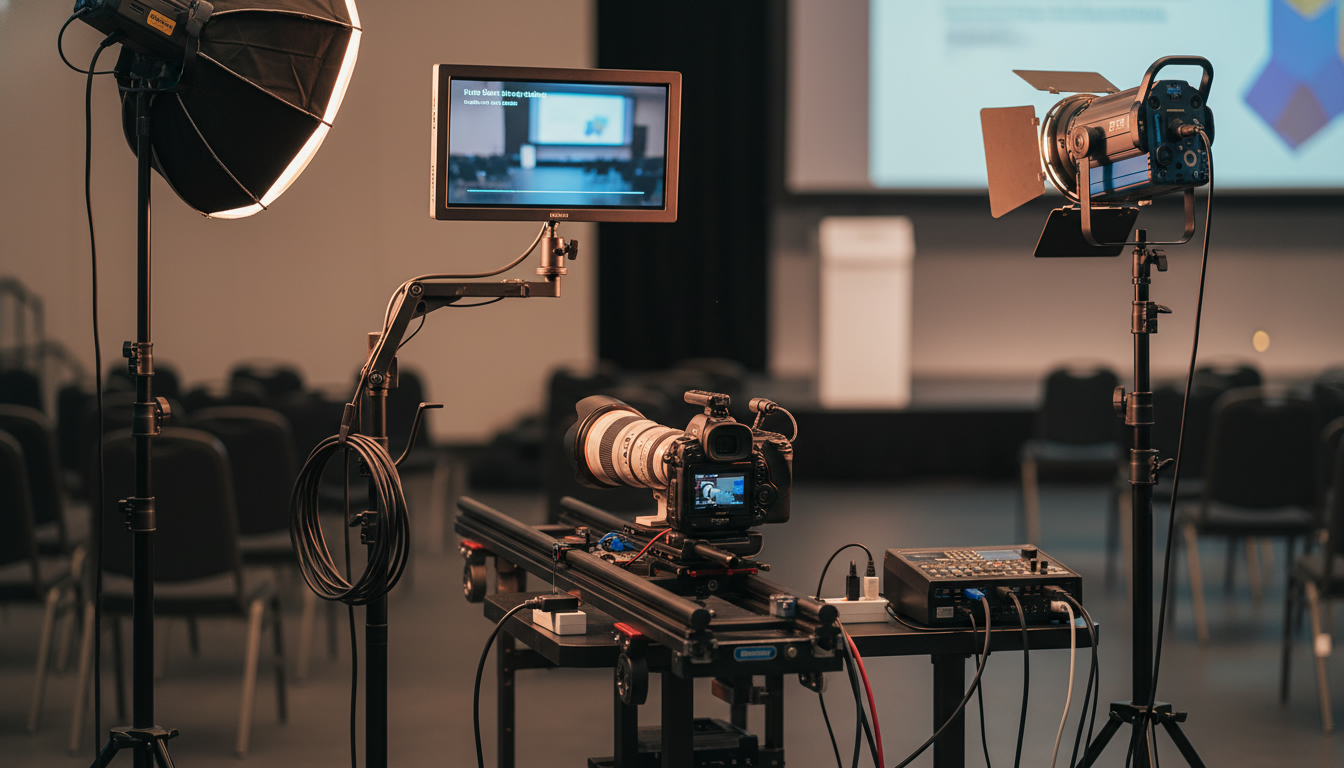
- Minimum two cameras (wide + close)
- A camera operator (or a director with a switcher) so the cuts make narrative sense
- A confidence monitor for the speaker so they’re not looking at the wrong place
- Proper backlight + key light on the stage area to make camera footage look like camera footage, not like a hallway selfie
Budget impact: cameras + operators + lighting upgrade adds $4,000-$8,000 to a typical event AV package.
3. The livestream platform itself
This is where budgets explode if you’re not careful. Options:
- Zoom Webinar / Zoom Events: cheap, familiar, technical limitations show at scale (>500 viewers)
- Hopin / Vmix Streaming / Restream: more flexible, $1-3K for the event
- Custom RTMP into your own player on your website: $3-5K all-in, full control, no platform-imposed branding
- Production company with their own platform: $10-25K, full white-glove
The right answer depends on audience size and brand sensitivity. For internal company meetings, Zoom is fine. For external partner-facing or customer-facing events where the brand experience matters, look at the higher-end options.
Budget impact: $1K-$25K depending on choice. Most mid-tier hybrid events land at $4K-$8K for streaming infrastructure alone.
4. The producer
This is the role that didn’t exist in 2019 and is now the most important hire for hybrid events. The producer:
- Sits between the AV team, the speakers, the streaming platform, and the in-room program
- Calls the cuts in real time
- Manages remote-attendee Q&A and surfaces it to in-person speakers
- Catches technical problems early enough to fix them
- Owns the run-of-show day-of
A good producer is $1,500-$3,500 per event day for a mid-tier hybrid. Worth every dollar. The events I’ve run that didn’t have a dedicated producer are the events where I aged the most.
Budget reality check
For a 200-person in-person event, here’s the approximate AV budget:
- In-person only: $5,000-$8,000
- Hybrid with internal-only stream (Zoom, low production): +40% = $7,000-$11,000
- Hybrid with external-facing stream (custom platform, multi-camera): +80-120% = $9,000-$18,000
- Hybrid with broadcast-grade production: +150-200% = $12,500-$24,000
The premium scales with audience-facing-ness. Internal town halls can run lean. Customer-facing product launches cannot.
The venue conversation
When you’re scoping venues for a hybrid event, the AV conversation needs to happen first, not last. Specifically:
-
Bandwidth at the venue. Hybrid events need a wired internet connection (not Wi-Fi) with at least 50 Mbps upload symmetrical. Many hotel ballrooms have shared bandwidth that gets throttled when other events are running. Ask for a bandwidth test 30 days before.
-
Power for the AV stack. A full hybrid AV stack is $50,000+ of equipment drawing real power. Most venues can support it but some require dedicated 30A circuits. Confirm in advance.
-
Backup connectivity. I require every hybrid event to have a 5G backup hotspot for the streaming uplink. Even at venues with great bandwidth. The cost is $300; the cost of stream-down for 20 minutes during your CEO’s keynote is incalculable.
-
AV company access. Same rule as in-person — if the venue has an “exclusive AV partner” requirement, ask about outside-AV fees. Most venues will allow outside AV for a $500-$1,500 day fee. Vastly cheaper than in-house at hybrid scale.
The story
I mentioned the rough one at the top. Here’s what happened.
The event was a 350-person product launch. In-person at a downtown venue. Stream to 1,200 expected, ~900 actual viewers. We had a good AV company. We had a decent platform. We had me as the producer.
What we didn’t have: a redundant audio path. The single audio feed from the in-room mixer went into the streaming encoder. About 22 minutes into the keynote, a buzz appeared on the audio. It wasn’t terrible — recognizable as a ground loop — but it was on the stream, not in the room. So in-person attendees heard a clean speaker. Remote attendees heard the speaker plus a 60Hz hum.
We troubleshot for 8 minutes (audio engineer, AV lead, me, all in the back) before we found a faulty XLR cable on the encoder side. By the time we swapped it, ~12 minutes of the keynote had been hummed-up.
Lessons:
- Two audio paths to the encoder, with auto-failover. Standard practice now.
- Pre-event bench-test every cable in the encoder rack, not just the room rack.
- Have a “cold standby” backup encoder ready to swap in.
The combined cost of the redundancy that would have prevented this: ~$1,400. The cost of the keynote being half-broken for 12 minutes: client trust I had to spend nine months rebuilding.
What to tell your CEO when they ask why hybrid costs so much more
I usually say something like: “We’re producing two events from the same source content. The in-person event is cheaper because the venue does a lot of the production work — the room, the lighting, the layout. The remote event has none of that. We have to construct it from scratch with cameras, audio mixing, a producer, a streaming platform. Each remote viewer is essentially watching a private-broadcast version of the event we’re running, and producing a private broadcast costs about what hosting a 200-person in-person event costs by itself.”
That usually lands. The math behind it is real.
A short checklist before signing any AV proposal
- Does it specify wired internet at the venue, with bandwidth test 30 days out?
- Does it include a backup uplink (5G or LTE)?
- Does it specify dual audio paths to the encoder?
- Does it specify minimum two cameras (wide + close)?
- Does it include a dedicated producer (not just AV tech)?
- Does it specify a confidence monitor for speakers?
- Does it include rehearsal time the day before?
- Does it specify recording of the stream to a separate device (not just the streaming platform)?
If the proposal doesn’t include all eight, ask why. Often it’s a budget choice the AV company made for you to keep the quote competitive. You should make that choice consciously, not by default.
For more on event contracts, see 11 Contract Red Flags. For the broader directory of corporate event venues, browse by city or category or send me the brief and I’ll help spec the venue + AV combination together.


