
The Operations Lead Running a First User Conference: the Load-In Schedule That Works
Operations professionals optimize for efficiency and miss two event-specific timing dependencies: AV production lead time and catering window conflicts. The load-in schedule template for a 200-500 person conference, built around those constraints, prevents the most common first-year failures.

An operations lead running their first user conference will build a timeline the same way they build any operations schedule: forward from the start date, tasks sequenced by dependency, buffers at the end. That logic produces a perfectly reasonable project plan and a load-in schedule that fails on day one.
Here’s why, and here’s the schedule structure that actually works.
Why operations logic fails for event load-in
Operations projects have a completion state: the product ships, the system goes live, the office opens. Event load-in doesn’t have a completion state. It has a hard show time. Everything works backward from that show time, and the critical path is not determined by the longest task but by the task with the least schedule flexibility.
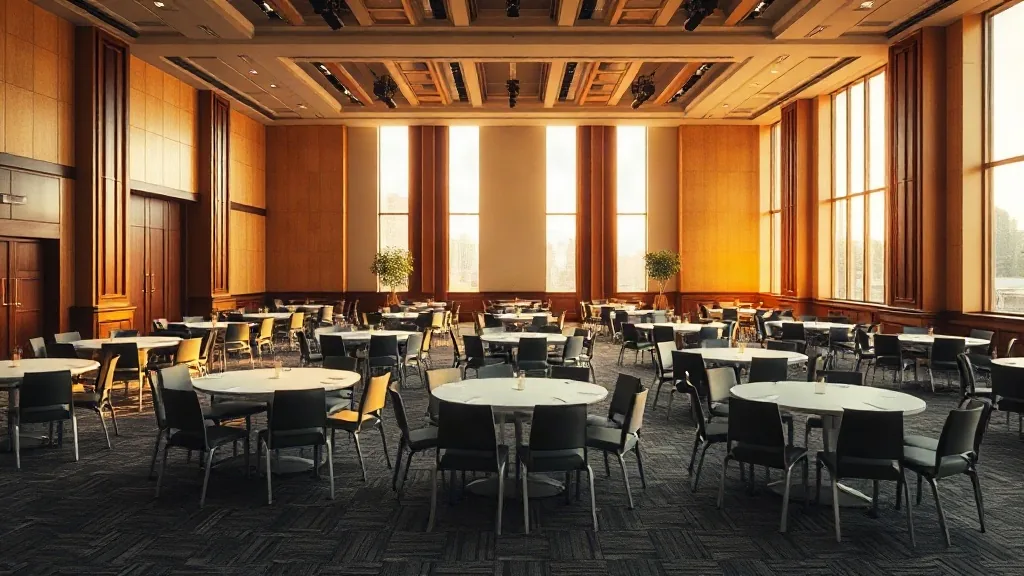
For a 200-person user conference at a conference center, the critical path item is AV rigging. If your general session room requires a flown speaker array, a truss system, or LED panels hung from the ceiling, that work requires a cherry picker or a lift, and it takes 4-6 hours. It also requires all other vendors to be out of the way. You cannot rig the ceiling while catering is setting tables under the rigging zone.
That means AV gets first access to the room. Not catering. Not decor. AV.
The load-in schedule for a 9am conference day, 200-300 person user conference
48 hours before show time: AV pre-production
The AV vendor should have done a pre-walk 48 hours before the event to confirm rigging points, power sources, and cable routing. If they haven’t, schedule this now. Problems found 48 hours out are solvable. Problems found 4 hours before doors are not.
Event day T-minus 5 hours (4am for a 9am start):
AV crew begins load-in. Stage risers, speaker arrays, truss elements, projectors, and screens go in first. Cable is run across the floor. Nothing else can happen in the main room while rigging is in progress.
This 4am start time will feel extreme. The first time you hold it, it will save you. The second time, you’ll protect it as non-negotiable.
Event day T-minus 3.5 hours:
AV rigging complete. Main room sound check. The AV lead needs 60-90 minutes to run audio tests, set levels for the room, and test presenter connections (wired, wireless, presentation software compatibility). This window cannot be interrupted by catering entering to set tables.
Event day T-minus 3 hours:
Catering enters the main room for table setup. Chairs and linens go in while AV is completing wireless mic tests at the stage. These two can run concurrently if the catering crew is not working in the speaker zones (directly under hanging speakers, in the cable runs adjacent to the stage). Brief both teams on the boundary before day one.
Event day T-minus 2 hours:
Catering completes table setup. Coffee and refreshment stations activated. Breakfast service begins for early arrivals in the pre-function space, not the main room.
Event day T-minus 1.5 hours:
Registration table fully staffed. Badge printing live and tested. The most common registration failure: badge printers that haven’t been tested with the actual attendee data file from the event registration system. Run a 20-person test print at this point, not at the 30-minute mark.
Event day T-minus 1 hour:
Presenter tech check. Each general session presenter connects their laptop to the AV system, advances 3-4 slides, and confirms audio is working. Budget 8-10 minutes per presenter. For a 9-presenter conference, that’s 90 minutes, which means your presenter tech check window should start at T-minus 2.5 hours if you have that many speakers. Adjust accordingly.
Event day T-minus 30 minutes:
Doors open. Registration begins. AV crew is at their stations. Catering is ready in the pre-function space.
The breakout room load-in overlay
User conferences with 4-8 breakout tracks are simultaneously managing a main room and multiple smaller rooms. Each breakout room needs its own AV setup, which typically consists of a projector or display, a wireless mic, and a laptop connection. At a purpose-built conference center, this equipment is often already installed. At a hotel or convention center, it may require separate setup by the AV team in each room.
Assign one AV technician per two breakout rooms for the setup period. The tech should complete setup, run a display test, and confirm network connectivity in each room by T-minus 2 hours. If a room has a problem, you have 2 hours to resolve it before sessions begin.
What changes for 400-500 person conferences
The same schedule applies but with wider buffers. AV rigging starts at T-minus 7 hours. Registration tables require double the staff (one registrar per 30 expected arrivals in the first 30-minute window). Catering needs to confirm with the kitchen that the headcount covers their prep timeline; for a 450-person buffet lunch, the kitchen prep window begins 3 hours before service.
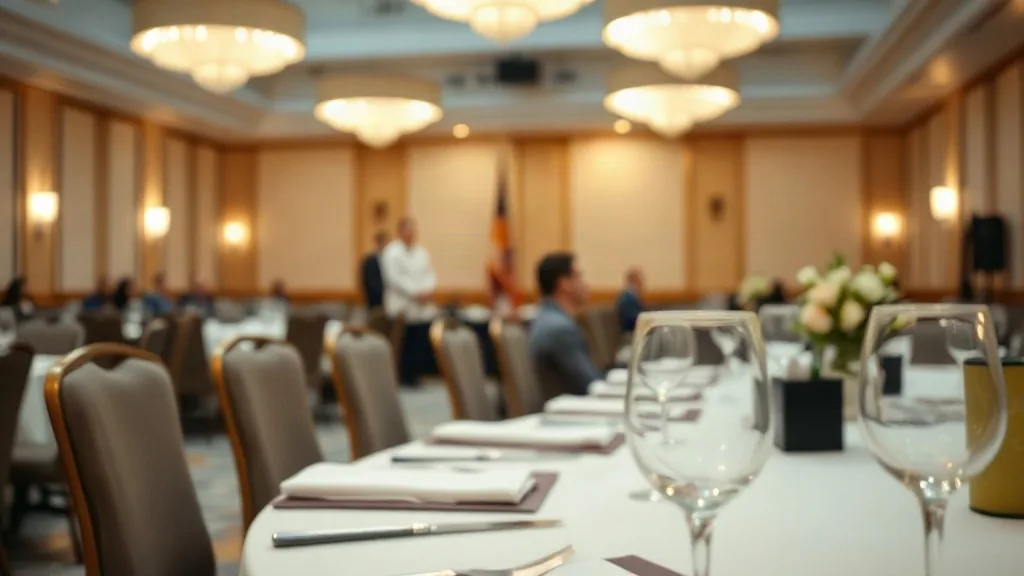
The convention center format for events above 300 people typically includes a union labor crew for load-in. Union rules at many convention centers specify that the venue’s own crew handles anything that attaches to the ceiling or the floor. Your AV vendor’s crew does the equipment; the convention center crew does the rigging. Confirm this distinction with the venue operations manager before your AV vendor arrives on-site. If you don’t, you’ll have a jurisdictional dispute at 4am.
The pre-event walk that saves the morning
Two days before the event, do a physical walk of the load-in path with the AV vendor lead and the catering manager simultaneously. Not separately. You want them to see each other’s staging zones and understand where the conflicts will be. A shared 60-minute walk generates more cross-vendor coordination than two separate 90-minute calls.
Walk from the loading dock to the main room. Note which door the AV crates use and which door the catering carts use. Confirm that they’re different, or if they’re the same door, that the arrival sequences are staggered by at least 30 minutes. Walk the main room with the AV vendor and identify the zones where catering cannot place chairs or tables until AV cable runs are complete. Mark those zones physically with tape during the walk.
This walk is standard practice at purpose-built conference centers where the venue’s own operations team facilitates it. At hotel ballrooms, warehouse venues, or first-time user conference sites, it falls to the operations lead to organize it. Do it. The alternative is a 4am conversation in the loading dock between an AV crew and a catering team who’ve never met and both think the other person is in their way.
What’s your confirmed headcount, venue type, and number of breakout tracks? Those three variables determine where the load-in schedule needs the most adjustment.


