
The User Conference Playbook for 300-800 Attendees: Venue, Registration, AV, and Sponsor Floor
User conferences are the most logistically complex event type most in-house planners will ever run. The venue needs a general session, 4-8 simultaneous breakout tracks, a sponsor exhibition floor, and catered networking meals, all coordinated across a 2-3 day footprint. This playbook covers the venue brief, AV production scope, registration setup, and sponsor floor logistics for 300-800 attendees.

The first user conference I produced from the operations side had 450 attendees, 6 breakout tracks, 22 sponsors, and a general session stage that the production company had never rigged before in that venue. We found the rigging problem at 6am on day one. I’ve been starting AV walkthroughs at 5:30am ever since.
User conferences differ from other corporate events in one fundamental way: the content is the product. Attendees pay to attend (or are customers who earned attendance through usage thresholds), and they’re evaluating the event against the value proposition that was sold to them. A logistics failure at a company all-hands is annoying. A logistics failure at a user conference costs renewals.
The venue requirement
For 300-800 attendees, the venue brief has seven non-negotiables:
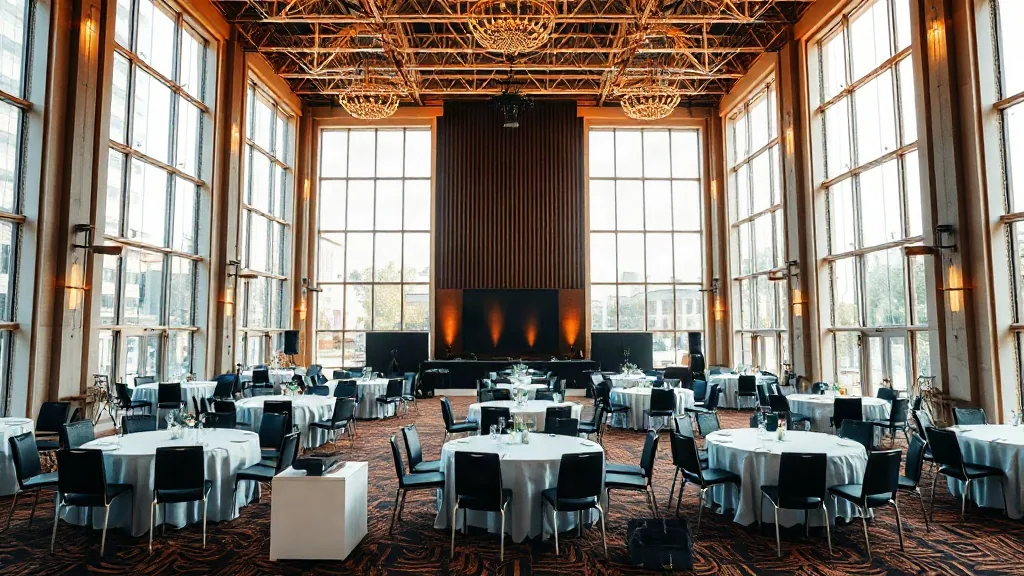
1. General session capacity. Theater-style seating for 100% of registration, with 10% overage. For 500 attendees, you want a general session room that seats 550-600. Do not book a room that requires staggered entry or standing room.
2. Simultaneous breakout rooms. For 500 attendees running 6 tracks, each room should seat 70-100. Add one spare room. You’ll need it. At minimum, every breakout room needs a display screen, a lectern mic, a confidence monitor for the speaker (so they can see their slides without turning to look at the main screen), and a door that closes with a window so AV staff can gauge room fill from outside.
3. Sponsor exhibition floor. Most user conferences undersize the sponsor hall. A 30-sponsor exhibition needs 8-10 square feet per exhibitor for table display plus aisle clearance. For 30 standard 8-foot tables with aisle space and a 50-person cocktail networking area, you need roughly 6,000-8,000 square feet. Confirm this calculation with your floor plan before signing.
4. Food and beverage flow. Breakfast, lunch, and two coffee breaks per day for 500 people. The venue must be able to run a 45-minute seated or buffet lunch for the full attendee count in one wave. If the catering is designed for 200 at a time with 3 waves, you have a scheduling problem. Confirm the catering setup and turnaround time before you commit.
5. Registration area. A pre-function lobby or entry zone with space for 8-12 check-in stations plus a will-call queue. The registration flow needs to handle 300 arrivals in a 90-minute window on day-one morning. If the venue lobby can’t accommodate this without blocking the main entrance, you need a different venue.
6. Wi-Fi infrastructure. For a tech-forward user conference, budget for 1.2 devices per attendee. For 500 attendees, that’s 600 concurrent devices minimum. Ask the venue for their documented bandwidth capacity and the number of simultaneous connections the network supports. Request dedicated SSID for attendees, separate from staff and AV.
7. Load-in access. AV production for a 500-person user conference takes 18-24 hours to rig, cable, and rehearse. You need load-in access beginning the day before the conference starts, not the morning of. Hotels that double-book their venue space with a corporate dinner the night before your setup call are a recurring nightmare. Get the load-in window in writing.
Convention centers satisfy all seven naturally. Conference centers satisfy most of them for events under 600 but may not have sponsor hall space of adequate scale.
The AV production scope
For a 500-person user conference with a 2-day general session and 6 breakout tracks, the AV scope includes:
General session: 2 large-format screens (minimum 16-foot diagonal each), center confidence monitors, lectern audio, handheld and lavalier mics, full PA, 4-6 stage lights plus audience wash, confidence monitor at the stage manager position, and a separate recording feed for post-event replay. Budget: $25,000-45,000 depending on city tier and whether the production is union-required.
Breakout rooms: Each room needs a display, an audio system, a lapel mic, and a recording setup if sessions are being captured. Budget per room: $800-2,500 for a 2-day run. 6 rooms at mid-range is $8,000-12,000.
Sponsor floor: General PA for ambient music and announcements, lighting for the exhibition area, and power distribution for sponsor tables. Budget: $3,000-8,000.
Total AV for a well-produced 500-person user conference: $40,000-65,000. If you’re getting quotes below $30,000 for this scope, either the production is being cut or the quote doesn’t include everything.
The registration system setup
User conference registration is not the same as RSVP management. At 500 attendees with session pre-registration (allowing attendees to select which breakouts they’ll attend), you need a system that tracks session capacity by room, surfaces wait-lists in real time, and generates scannable badges that check in at each session entry point.
Tools that work at this scale: Eventbrite (serviceable, limited session-level check-in), Cvent (robust, expensive, appropriate above 400 attendees with session tracking needs), Bizzabo, or Splash. The choice matters because the QR code format on the badge must match the scanning app your registration staff will use.
At the venue, the registration table setup for 500 people running in over 90 minutes: 10 staffed stations, 2 will-call stations, 1 problem-resolution desk. Alphabetical split: A-D, E-H, I-L, M-P, Q-T, U-Z, plus 4 floating check-in tablets. Lane markers visible from the room entrance. This produces 90-second average check-in per person, which clears 300 arrivals in 45 minutes at those staffing levels.
The sponsor floor logistics
Your sponsors paid to be there and will evaluate the event based on lead quality and booth traffic. The sponsor hall setup decisions that affect both:
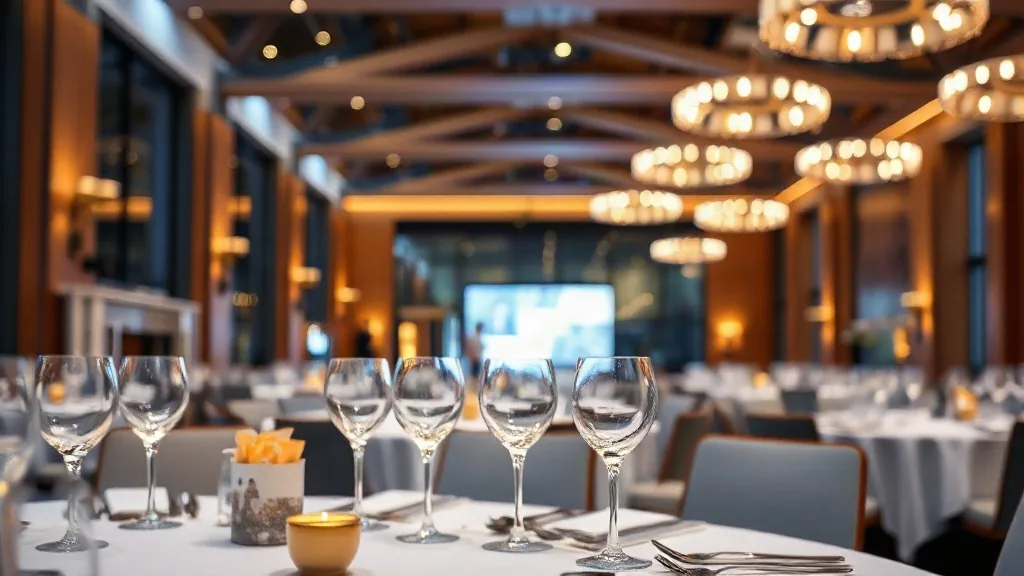
Location: The sponsor floor should be in the same physical space as or directly adjacent to catered breaks and lunch. Attendees will not walk to a separate building or a floor below to browse sponsors. Co-locate food service with sponsors, always.
Hours: Open from 30 minutes before the first general session through the end of evening networking. Do not close the sponsor floor during breakout sessions; some attendees skip breakouts specifically to spend time with sponsors.
Power: Every sponsor table needs a dedicated 20-amp circuit. Standard power strips are not sufficient for demo equipment. Confirm with the venue that the electrical infrastructure supports your exhibitor count.
Lead retrieval: Your registration badge QR code should be compatible with lead retrieval scanners that sponsors can rent or bring. Document the badge format for sponsors 45 days before the event.
For your venue search, the full convention center directory and conference center listings are the right starting points by region. Bring the 7-point venue brief and the AV scope summary to your first site visit.
Attendee communication before the event
User conference attendees who know what to expect arrive more prepared and produce better session engagement. The communication sequence that works:
60 days out: Save-the-date with venue address, hotel block link, and a 3-sentence description of what’s new at this year’s event.
30 days out: Full agenda with session titles, presenter names, and session pre-registration if you’re managing breakout capacity. The session pre-registration link should be open for 7 days, then closed, so you can balance room assignments before the event.
7 days out: Logistics email with: venue floor plan (label the registration desk, the sponsor hall, each session room, and restrooms), parking or transit instructions, what to bring (laptop, business cards, the one question they want answered by your product team), and an emergency contact number for day-of issues.
Day of: Mobile app or text message push with any same-day changes. Room location for a popular session that moved to a larger space. A reminder of where lunch is. These seem trivial. They aren’t when 500 people are trying to find the right room at the same time.
The communication sequence reduces day-of logistical questions to your staff by 40-60%. Staff freed from answering “where is registration?” can spend their time managing substantive problems.
The post-event follow-up
Most user conferences collect session feedback via a post-event survey, share the results internally, and move on. The ones that use the data differently:
Share session-level feedback scores with presenters, with specific comments anonymized. Presenters who see “4 out of 10 attendees said this session was too introductory” change their format for the next year. Presenters who see only an aggregate NPS score have nothing actionable.
Share a post-event summary with all attendees within 5 business days. Key announcements from the general session, a curated list of 5 things attendees said they learned, a link to session recordings (if available), and the date for next year’s conference. This summary turns the event into a content asset rather than a one-time experience.
What’s your confirmed registration size, breakout track count, and sponsor count? Those three numbers determine whether you need a convention center footprint or whether a well-equipped conference center works.


