
Recording your conference for reuse without a broadcast budget
You do not need a livestream truck to walk away with usable session recordings. A two-camera capture with a clean audio feed gives marketing months of content for a fraction of broadcast cost. Here is the setup and the budget.
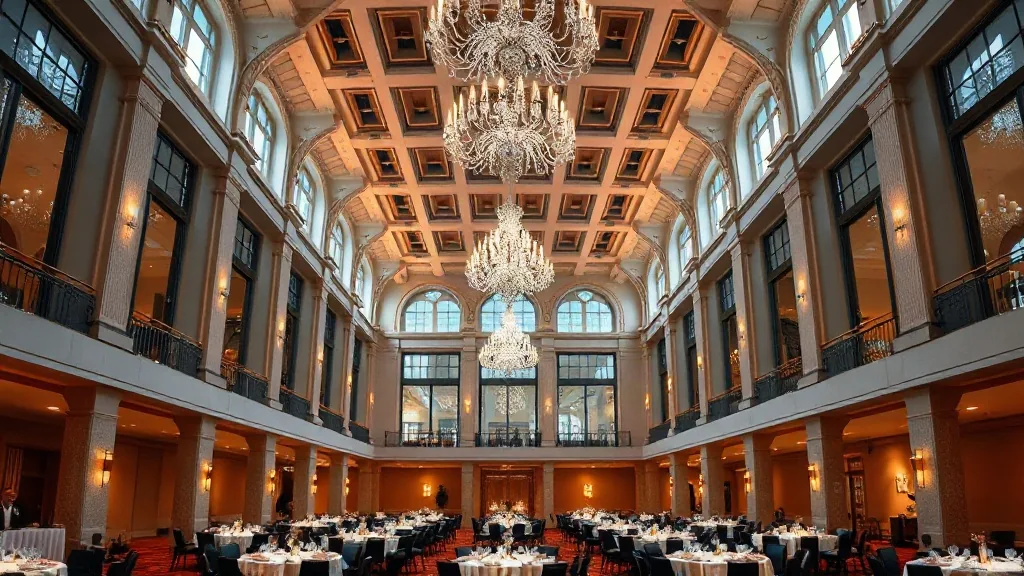
A client asked me last year what it would cost to record their user conference for reuse. Their AV vendor quoted $34,000, a full broadcast package with a switcher, four cameras, a director, and a graphics operator. They were going to record 14 sessions and post maybe six clips. That is $5,600 a clip for footage nobody would watch live. We recorded the same 14 sessions for $7,800 and marketing got more usable content out of it than the broadcast package would have produced, because we optimized for the edit, not for a live feed nobody needed.
The confusion is between recording and broadcasting. They are different jobs with different budgets, and most planners pay broadcast prices for a recording they never stream.
Recording is not livestreaming, and the money is in the difference
Livestreaming means the show goes out live to an audience watching in real time. That requires a switcher cutting cameras on the fly, a director calling shots, a redundant internet feed, and a platform, and it is expensive because it all has to work in the moment with no second take. Broadcast pricing exists because live is unforgiving.
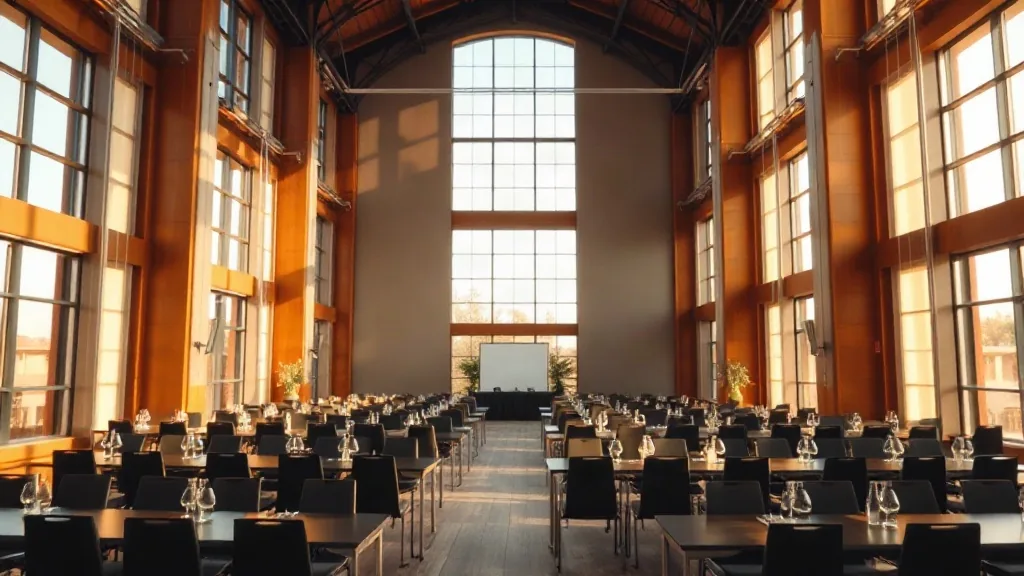
Recording for reuse has no live audience. You are capturing raw footage to edit later. That single fact removes the switcher, the director, the live graphics operator, and the redundant internet, because you fix everything in the edit instead of live. What is left is cameras, audio, and someone to make sure the record button is on. That is where the $34,000 becomes $7,800.
The audio feed is the whole game
Here is the rule I would tattoo on every planner: nobody rewatches a session with bad audio, and everybody forgives mediocre video if the sound is clean. Your recording lives or dies on audio, so this is where the care goes.
Do not record the room with a camera microphone. A camera mic picks up the HVAC, the coffee service, and the guy in row four unwrapping a mint, and it makes the speaker sound like they are at the bottom of a well. Instead, take a clean feed straight off the AV mixing board, the same signal feeding the room speakers, and record it as a separate audio track synced to the cameras. That board feed captures the podium mic and the lav mics directly, so the speaker sounds close and clear. A board feed to a small recorder costs almost nothing because the mics are already there for the live room. You are just capturing what already exists.
And record a backup audio track on a second device, always. The day the audio recording vanished is a real failure mode, and the fix is a $200 backup recorder running in parallel. Cheap insurance against a lost keynote.
Two cameras, framed for the edit
For reuse footage you want two cameras minimum. One locked wide on a tripod, holding the full stage and never moving, which is your safety shot that is always usable. One on a longer lens, operated, catching the speaker’s face and any tight shots of hands, product, or demos. The wide gives the editor a shot to cut to whenever the tight camera reframes or drifts, so the edit never has a hole.
Two operated cameras with an operator on the tight one runs $2,600 to $3,600 for a full day in a mid-market metro. If your budget only stretches to one camera, make it the wide locked shot, because a wide that is always rolling beats a tight shot that misses the moment. But two is the honest floor for content you intend to cut into clips.
Capture the slides as a clean feed, not off the screen
The other footage marketing always wants is the speaker’s slides, sharp and readable. Do not shoot the projection screen with a camera, which gives you a dim, keystoned, flickering mess. Instead, capture the presentation output directly off the show computer or the switcher as a separate clean recording. The editor then cuts the crisp slide capture together with the camera of the speaker, and the result looks like a produced explainer instead of a shaky bootleg of a screen. This is a $150 capture device, not a budget line.
The itemized reuse package
Two-camera package with one operator: $3,200. Board audio feed plus backup recorder: $450. Clean slide capture: $200. Media wrangling and drives at the end of the day, so nothing lives on one card: $400. A half-day of a tech to set it all and babysit record: $600. Delivery and a basic sync of the media for the editor: $700. That is around $5,550 in capture, and the edit is a separate cost you control on your own timeline afterward. My $7,800 client number included a heavier camera package and a longer day, but the shape is the same. You are paying for clean capture, not for live production you do not need.
When the room fights you
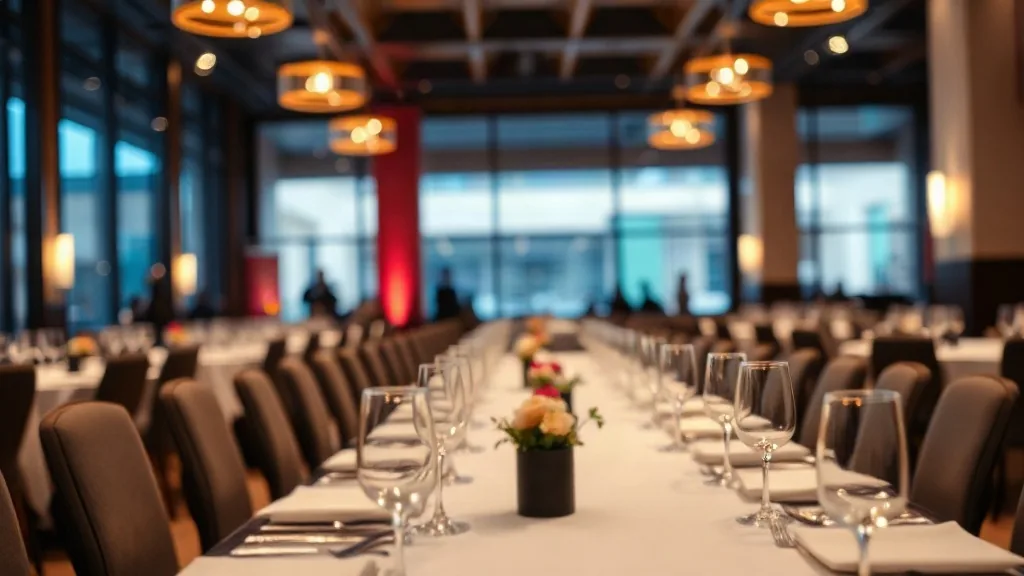
A recording is only as good as what the room lets you do. Low ceilings and a bright ballroom you cannot dim will flatten your video and blow out the speaker, the same lighting problems that hit any filmed stage. Ask the venue whether the room blacks out and where the house audio board sits, because if you cannot get a clean feed off the board, your audio plan changes. When I shortlist conference centers and event venues for a conference we intend to record, room control and board access are on the site-visit list next to capacity. For a small number of high-value talking-head pieces shot separately from the main event, a photo or video studio rented for a half day often beats fighting a ballroom, and it costs less than you would think.
Scope it up front, not on show day
The recording plan is a scoping decision, not a load-in request. Your cameras, your board feed, your slide capture, and your storage all have to be in the AV scope weeks ahead, or you are paying rush rates and hoping the board has a spare output. If you are also streaming any of it, the hybrid event AV reality check will keep you from double-paying for a setup that serves neither the room nor the recording well. And if you decide you do want a true live audience after all, how to hire a livestream production vendor covers that different, pricier job honestly.
Tell me how many sessions you are recording and what marketing plans to do with the footage. Six clips and a two-camera capture is a very different budget from a full-conference archive. How many sessions, and what happens to the footage afterward?


