
The Wi-Fi Password the Venue Forgot — During a 200-Person Hybrid
At 8:58am, two minutes before a 200-person hybrid session, the venue's IT contact confirmed the event network password. What they gave us was wrong. We had 6 minutes to solve it before remote attendees noticed.

I have been doing audio-visual and production work for fourteen years. In that time I have developed a list of things that I treat as immutable laws of corporate event production. Things that are always true, everywhere, without exception. Things I do not have to verify on event day because they are simply facts.
One of those laws: the event network password the venue gives you is the actual password.
This law was broken on a Tuesday in October in Chicago, in front of 200 in-person attendees and 95 remote participants, at 8:58am.
The setup
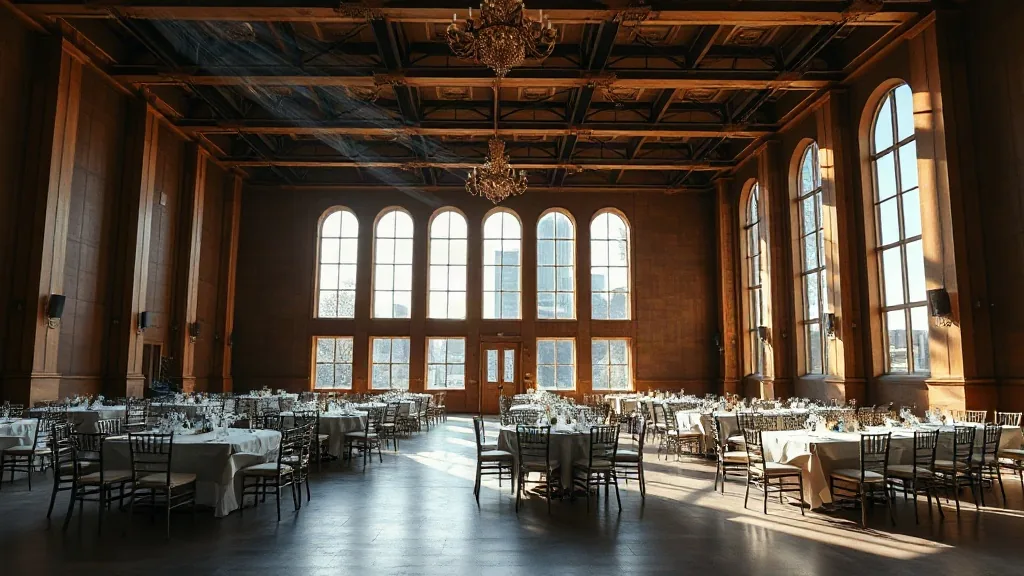
Two-day hybrid leadership conference. Large financial services firm, downtown Chicago hotel. I had been on site since 6am doing production setup. The venue had provided, in advance, a dedicated event network: SSID “LeadershipConference24” and a password that their IT manager had emailed to me three days earlier.
At 6:30am I had connected my production equipment to this network and confirmed connectivity. All good. Password worked. I noted it in my session log and moved on to the rest of setup.
At 8:30am, my AV engineer asked the venue’s IT contact to re-confirm the network credentials for attendee devices — specifically, for the remote participants who were going to be joining via laptop from conference-provided loaner tablets at the in-person event. The IT contact — a different person than the IT manager who had emailed me three days earlier — confirmed the SSID and gave us a different password.
At 8:55am, my engineer tested one of the loaner tablets with the new password. It did not connect.
At 8:56am, he tried the original password from the three-day-earlier email. It connected.
At 8:57am, I went to find the IT contact.
At 8:58am, the IT contact confirmed that the password he had given us at 8:30am was the “general guest network” password, not the dedicated event network password. The dedicated event network password was the one I had from the email.
At 8:59am, I confirmed that all production equipment and loaner tablets were connecting on the original password and the session could proceed.
At 9:01am, the session started.
Why this matters more than it sounds
Two minutes. From identification to resolution: two minutes. This sounds minor. It was not minor. Here’s why.
First: the session was hybrid. Ninety-five remote participants were expecting to join at 9:00am via the conference platform, which required the loaner tablets to be live on the event network. If those tablets had been on the general guest network — a shared hotel network with no dedicated bandwidth — the remote experience would have degraded within minutes of the session starting. Screen-sharing, high-definition video feeds, and the voting platform we were using for remote participant engagement all required the dedicated event network’s bandwidth allocation.
Second: the IT contact genuinely did not know he had given us the wrong password. He believed the general guest password and the event network password were the same. They were not. Two different networks, two different password cycles, one person managing both who had not been briefed on which was which.
Third: if my engineer had not tested the credentials at 8:55am — five minutes before start — the error would have surfaced live, in the session, with 200 in-person attendees watching the remote feed fail and 95 remote participants experiencing a drop.
The production setup that made the two-minute fix possible
The reason we solved this in two minutes is not that I am fast. It is that every credential, every network specification, and every IT contact’s name and cell number was in a single document on my production tablet — a document I update at load-in and carry with me throughout the event. When the error surfaced, I did not have to search for the original email. I had it in the document. I showed it to the IT contact in thirty seconds. He confirmed it in fifteen seconds. My engineer was already retesting the tablets.
The document is not sophisticated. It is a single-page event technical spec that includes: every network SSID and password used on the event, every IT/facilities contact name and phone number, every equipment serial number I care about, and every platform login we are using for the hybrid elements. I update it at load-in and re-confirm every credential at 8am on event day.
The “re-confirm at 8am” step is the one that caught this error. I did not add it to my process because I was paranoid. I added it after an event in 2022 where the venue rotated their event network password on a weekly cycle and the rotation happened the night before our event. By the time I discovered the error that time, we were twelve minutes into a live session. That took thirty-eight minutes to fully resolve. I added the 8am check because thirty-eight minutes is thirty-eight minutes I never want to spend again.
The conversation with the venue
I spoke with the hotel’s IT manager — the one who had set up the dedicated network originally — at the morning break. He apologized and explained: the IT contact who had been assigned to event-day support was not fully briefed on the distinction between the general guest network and the dedicated event network. He had told the contact both passwords but had used terminology that the contact had not parsed correctly.

He asked me what he could do for the remaining day. I said: from this point forward, any IT support question that my team asks goes to you directly, not to the event-day contact. He agreed and gave me his personal cell number.
For the remainder of the two-day conference, every IT question I had was answered correctly and within three minutes. The system worked when the right person was in the loop.
What I take from this
One: Re-confirm every credential at 8am on event day. The 8am check exists because credentials change, rotate, or get confused between the person who set them up and the person who shows up for event-day support. It has caught three errors in three years. That is not a coincidence.
Two: The IT contact and the IT setup person are often not the same person. The manager who builds the event network and the technician who staffs event day often have different levels of knowledge about the specific setup. Ask for the direct line of the person who built the network. Have it in your document. Use it when the event-day contact gives you inconsistent information.
Three: Dedicated event networks and shared hotel networks are different things with different performance profiles. When a venue offers you a “dedicated event network,” confirm that it is actually dedicated — separate from the general guest network, with allocated bandwidth. The way to confirm this is to ask for the network’s bandwidth allocation in writing. If the venue cannot provide this, they may not have a truly dedicated network.
Four: Loaner device testing belongs in your pre-session checklist. We caught the error because my engineer tested a loaner tablet at 8:55am. If we had assumed the tablets were fine because the production equipment connected, the error would have surfaced live. Every device that guests will use should be tested against the actual network before the session starts.
Five: The single-page technical document is worth thirty minutes to build. The document I carry is not elaborate. It is one page, often assembled in twenty minutes during load-in. It is the reason a two-minute fix was possible instead of a twelve-minute scramble.
Chicago is an excellent hybrid conference city — the convention properties have the infrastructure, the IT teams are generally experienced, and the bandwidth available at major downtown hotels is genuinely good. If you’re planning a hybrid event in Illinois, start with the conference centers in Chicago, Illinois and ask specifically about their dedicated event network specifications.
Also read: internet outage during the hybrid event — a more dramatic version of the same category of problem, where the fix required cellular bonding rather than a password check.
Send me the production brief. I’ll have the technical spec document built before load-in day.


