
Teleprompter setups for executives who refuse to rehearse
The CEO will not rehearse and will not memorize, so the teleprompter is your whole plan. Here is how I pick presidential glass versus a confidence monitor, staff the operator, and stop a prompter from making a speaker look like they are reading.
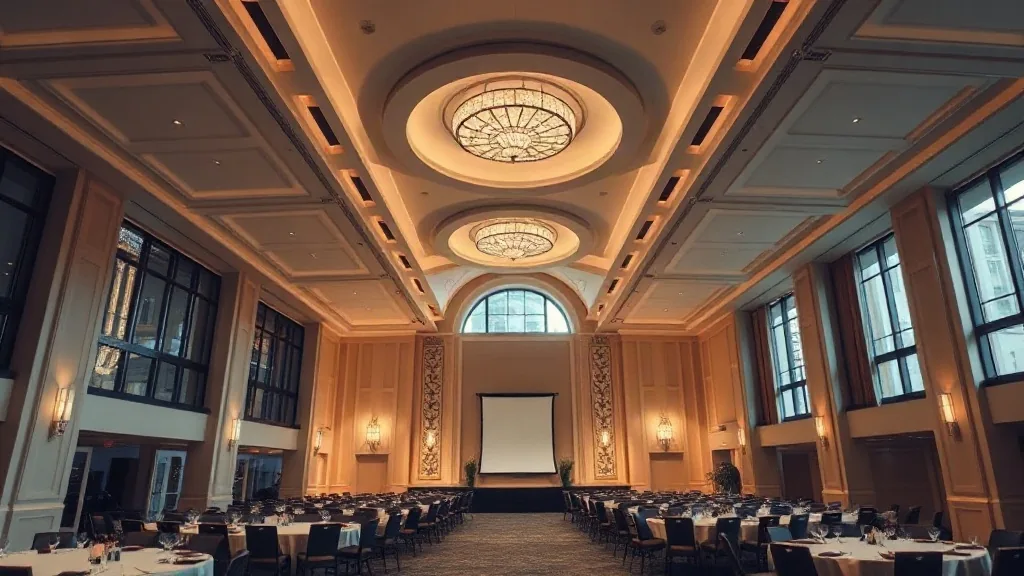
The email came in at 4:40pm the day before: “The CEO can’t make the rehearsal, and he’ll see the script for the first time on stage.” That’s not a rare message. It’s most of my keynote work. And it tells me exactly what to spec, because a speaker who won’t rehearse and won’t memorize lives or dies on the teleprompter, and the setup that saves that person costs about $1,400 and one experienced operator.
I came up on the AV side, and I’ve run prompter for executives who were reading cold in front of 600 people. The gear is simple. The staffing and the sightlines are where it goes wrong. Here’s how I set it up so the CEO looks like they’re speaking, not reading.
Presidential glass versus confidence monitor
Two different tools solve two different problems. Presidential glass is the pair of angled clear panels you see flanking a lectern at a political speech. The script scrolls on glass the audience sees through, so the speaker looks out at the room, sweeps left and right, and never appears to drop their eyes. It’s the setup for a lectern speech where the executive stays put and you need them to look presidential on camera.
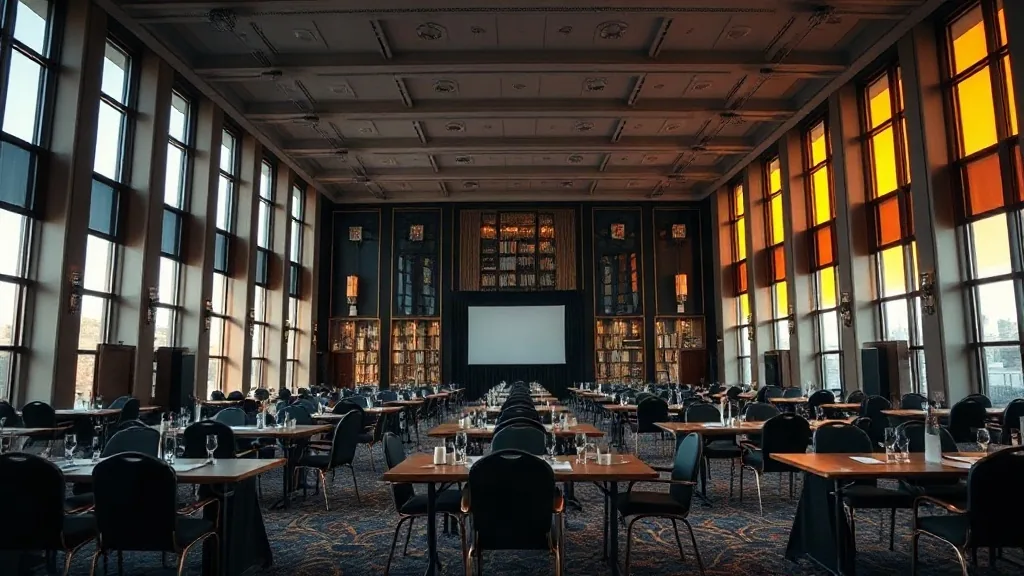
A confidence monitor is a screen on the floor at the front of the stage or on the back wall, angled up at the speaker, showing the script or the slides. It’s for the presenter who moves around the stage and can’t be tied to a lectern. The tradeoff is that a speaker reading a distant confidence monitor visibly moves their eyes to it, and on camera that reads as reading. My piece on confidence monitors and comfort monitors gets into why speakers still get lost even with the screen right there.
For the executive who won’t rehearse, presidential glass at a lectern is almost always the right call. It hides the reading. It keeps the eyeline on the audience. It’s forgiving of a speaker who’s seeing the words for the first time, because the text sits right where they’re already looking.
The operator is the whole job
Here’s what planners get wrong: they rent the prompter and forget the person. A teleprompter does not scroll itself. A trained prompter operator sits at the back of the house and scrolls the text at the exact pace the speaker talks, speeding up when they rush and slowing when they pause, using a hand controller. When the CEO ad-libs a story and jumps ahead, the operator finds the place and catches up without the speaker ever seeing a gap.
A good operator is $500 to $900 a day and worth triple that on a cold read. I’ve watched a bad operator lose a nervous speaker by scrolling at a fixed speed while the speaker slowed down, so the text ran ahead and the executive froze at a blank prompter. That’s the failure mode. The gear was fine. The human wasn’t matched to the speaker.
The operator needs the final script, and this is where the no-rehearsal executive creates real risk. If the speech changes at 10pm the night before, the operator has to load the new version and, ideally, run it once so the scroll breaks make sense. Get the operator the script the moment it locks, even if it’s late. A prompter loaded with last week’s draft is worse than no prompter at all.
Formatting the script so it reads
The script has to be formatted for the eye, not for a document. Big type, short lines, generous spacing, and phrase breaks that match how a person breathes. I set prompter copy in a large sans-serif, usually 40 to 50 point on the prompter’s own display, with lines broken at natural pauses rather than at the page margin. Numbers get spelled the way they’re said. Hard names get a phonetic note in brackets that the operator strips before it goes live.
A wall of dense paragraph text on a prompter is unreadable at speaking pace, and the executive will stumble. Ninety minutes of formatting the night before saves the speaker on stage. I keep each on-screen line to about six or seven words so the eye catches the whole line in one glance, and I never split a name or a number across two lines. When I brief the AV vendor, the script format is part of the ask, and my guide on how to brief an AV vendor covers getting these details in writing before load-in.
Sightlines and the walk-on
Presidential glass has a viewing angle. If the speaker stands too far behind the lectern or too far to one side, the glass goes dark or the text distorts. The setup requires the speaker to stand in roughly the right spot, so I mark the floor with a small piece of tape and tell the stage manager to guide the executive to it. For a speaker who won’t rehearse, that tape mark and a 30-second “stand here, the words are on the glass, look at the room” briefing in the wings is the entire rehearsal you’ll get. Make it count.
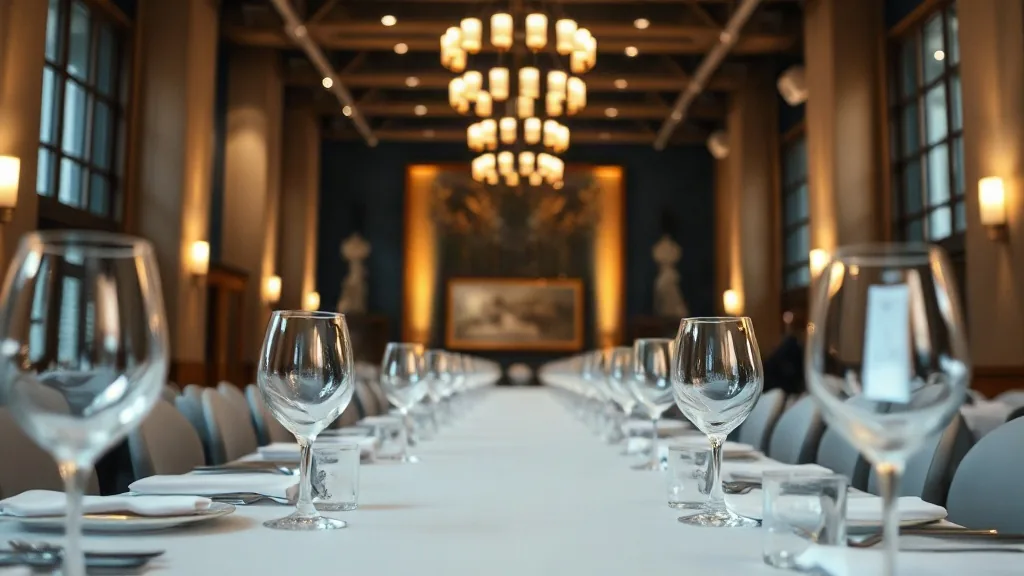
The room matters too. A conference center ballroom or a theater with a deep stage gives the operator a clean back-of-house sightline to watch the speaker and match pace. A shallow room or one where the tech table can’t see the stage makes the operator’s job guesswork. On the site visit, stand where the prompter operator will sit and confirm you can see the lectern clearly.
When the script doesn’t exist yet
Sometimes the “won’t rehearse” executive also won’t write a script, and wants bullet points instead of full text. That’s a different setup. Bullets on a confidence monitor let the speaker riff, which suits some executives and sinks others. I ask the executive’s chief of staff one question: does this person speak better from full text or from bullets? The honest answer determines whether you spec presidential glass with a full script or a confidence monitor with talking points. Guess wrong and you’ve built the wrong crutch.
Whatever you build, keep the stage set simple enough that the prompter reads cleanly against it. A busy LED wall behind glass can wash out the text. My notes on stage design on a mid-market budget cover keeping the look clean without overspending, which also keeps your prompter legible.
Tell me about your speaker. Full script or bullets, lectern or roaming the stage, and how late the final words will land. Those three answers set the prompter type, the operator brief, and how much of a safety net you actually need. Send me the run of show and the speaker’s habits, and I’ll spec the setup that makes the cold read look rehearsed.


