Captive-portal wifi and the demo that dies on stage
A keynote dies when a hotel's captive portal silently hijacks the demo laptop.
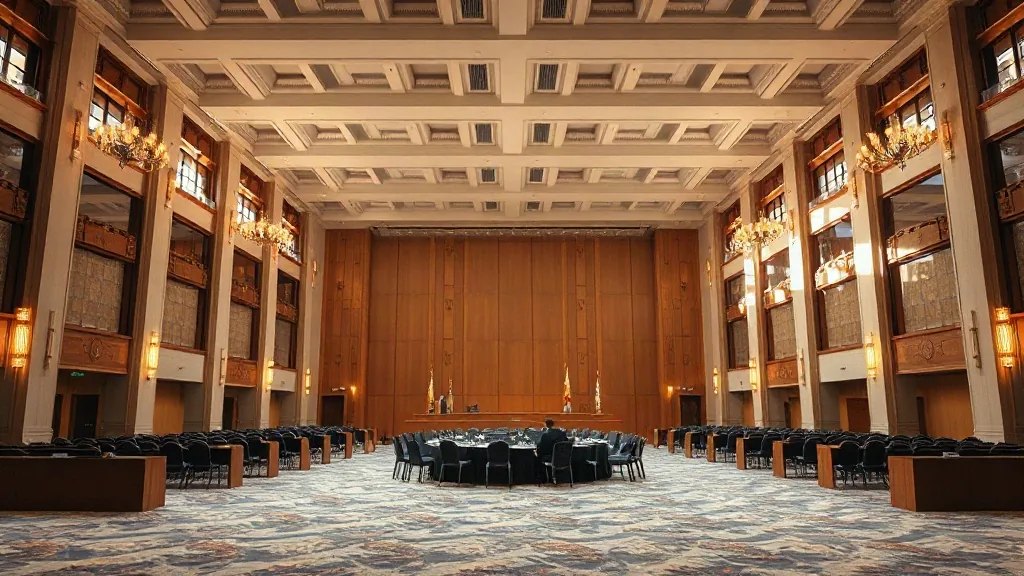
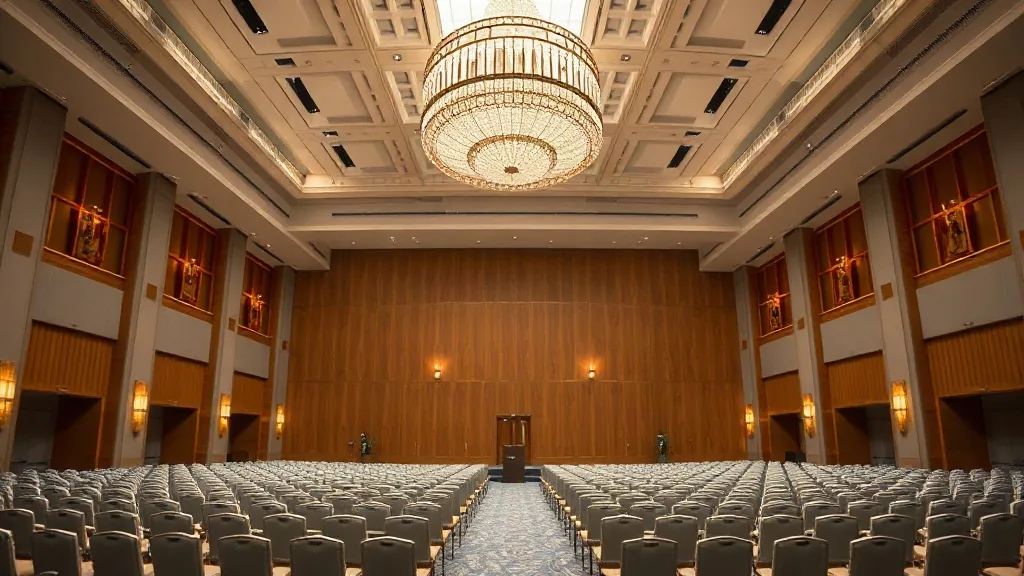
The first time I watched a keynote die on stage, the room was a 400-seat auditorium in a hotel near SFO, and the fix would have cost the client about $300 a day for a dedicated line. The speaker was mid-demo, the kind where they’re showing a live dashboard updating with user activity, and the whole thing just froze. He clicked, refreshed, clicked again, and then said the phrase every event planner learns to dread: “I think the wifi is slow.” It wasn’t slow. It was a captive portal, and the login screen had silently popped up on his laptop, waiting for him to accept terms and conditions he’d already agreed to four hours earlier.
I booked a demo room in Pasadena once, solid AV package, good sightlines, and the client’s software engineer had prepared a flawless local build for the presentation. The only thing he hadn’t accounted for was that the venue’s portal would recycle his authentication every ninety minutes of idle time. His demo called an external API on launch, the portal redirected it, and he spent the first five minutes of his slot staring at a spinner. For reference on what your venue options actually include, our piece on venue wifi failure modes covers the common pitfalls in more technical detail.
Why the venue can’t just turn the portal off for you
The portal is often tied to their billing and user management system. For example, a hotel in Roseville I worked with used their wifi portal as a method to track which guest rooms accessed the network, essentially a minor utility for their front desk. Disabling the portal for a conference block requires their IT to create a separate SSID, a new network name that bypasses the authentication layer. That isn’t a flip of a switch; it’s usually a ticket to their corporate IT office, which can take days to process, or it’s an extra fee for a dedicated network. Look at the fallback you’ll pay for if the venue can’t deliver what they oversold: our review of conference centers in Roseville, California might show you a venue that knows better.
Building a demo network that doesn’t depend on venue wifi
If you need live internet for the demo, like showing real-time collaboration between two users or pulling a live feed, then you pay for a dedicated circuit from a third-party provider. In the Bay Area, I’ve ordered dedicated internet lines for one-day events that cost between $800 and $1,500 to install and run for a day, depending on how far the venue is from a fiber point of presence. You bring in your own router, you plug in an ethernet cable, and you have a network with no portal.
The contract language matters here. When you book a venue, and you intend to run a network-critical demo, get the actual technical specifications in the BEO or the master service agreement. I ask venues for their maximum concurrent connections and whether the event network has a per-device bandwidth cap. I also ask for the captive portal timeout duration, which is the number I will never get a straight answer on.
I’ve walked into conventions in Oregon where the wifi genuinely hummed because they’d invested in proper infrastructure and had enough access points for density. You can read about a few of those stronger options in our rundown of conference centers in Oregon. But even in a venue with great wifi, the portal policy can change when their network operator gets a new directive from their security team. Two weeks before your event, they might rotate their portal terms, and your pre-authenticated session is now useless.
Scheduling a rehearsal that includes the network cold boot
The number one correction I bring to clients is a trial run that treats the network exactly as it will be treated during the show. That means the demo machine is turned off completely, then powered on thirty minutes before the demo slot begins, just like the reality of go time. The presenter is usually answering email or reviewing slides in the green room, and when they walk on stage, their machine is warm but the network session may have already timed out, or their machine decided to reconnect to the guest network which has a different portal.
We run the demo machine through this test at the actual venue, on the actual network, with the actual credentials, at least two hours before doors open. We do this for every general session and every breakouts that involves a live demo from a third party. You’d be surprised how often people will show up and test with their own laptop, on the staff network, only to have the speaker walk in with a different machine that immediately connects to the portal.
If your event includes a demo in a remote location, the drive time matters for planning these tests. A session on our list for conference centers in Eden Prairie, Minnesota will have different load-in constraints than an urban property in Pasadena. In Pasadena, you can often do a site visit two days before and find the IT manager on site. In some Midwest markets like Eden Prairie, you’re dealing with a campus that might have a single IT team supporting multiple buildings, and getting a technician on-site at your specific time is harder. Our guide to conference centers in Pasadena, California has notes on venues that give you direct IT access versus those that require a ticket, which is a detail you should ask about when you research your conference where the portals are more aggressive.
I haven’t covered the situation where your presenter needs access to something on a corporate VPN, which is its own separate headache. If they have to connect to a VPN before launching a demo, the captive portal often blocks the VPN handshake entirely. The portal will redirect the connection attempt, making it look like the VPN is down when the network is actually interfering with the traffic.
What to confirm and when you’ll budget for it
A demo die on stage isn’t usually a one-cause failure. It’s the combination of an expired portal session, a machine trying to reconnect to the wrong network, and a presenter who doesn’t have a fallback plan. The honest fix is to assume the venue’s guest network is hostile to your technical requirements, then work backwards from there. That mindset saves you the embarrassment now and the budget blowout later.
The other reminder I will give you is to check your specific liability and compliance contexts if your audience includes any licensed professionals or regulated industries with continuing education requirements, since a dead demo can eat into accredited instruction time. You should confirm your specifics with your own compliance or legal team, because continuing education rules vary by state and by professional board, so make sure your schedule had buffer for technical failure built into the accredited session minutes.
For the client in San Francisco, the $300 dedicated line was actual overkill for their demo of a static product video. They simply didn’t need live internet, and we could have run it from local storage with zero risk. They paid for the line out of caution, and we bypassed the portal altogether. The presentation worked, and the presenter looked great, and that is the entire goal of the run of show.
So tell me your scenario. What’s the date of your event, what’s your expected headcount for the session, and does your demo actually need a live connection to the internet to be credible, or can it run locally? Send me your event brief and I’ll look at the load-in schedule and the room size before I tell you which of the venue’s networks we’re going to use or whether we’re ordering our own circuit into the room.