
SaaS user-conference venues: the AV load nobody budgets for
The venue quote covers the room. It does not cover the power, the rigging, the internet, and the labor a SaaS user conference actually needs. Here is the AV load that blows up first-timer budgets, and how to price it before you sign.
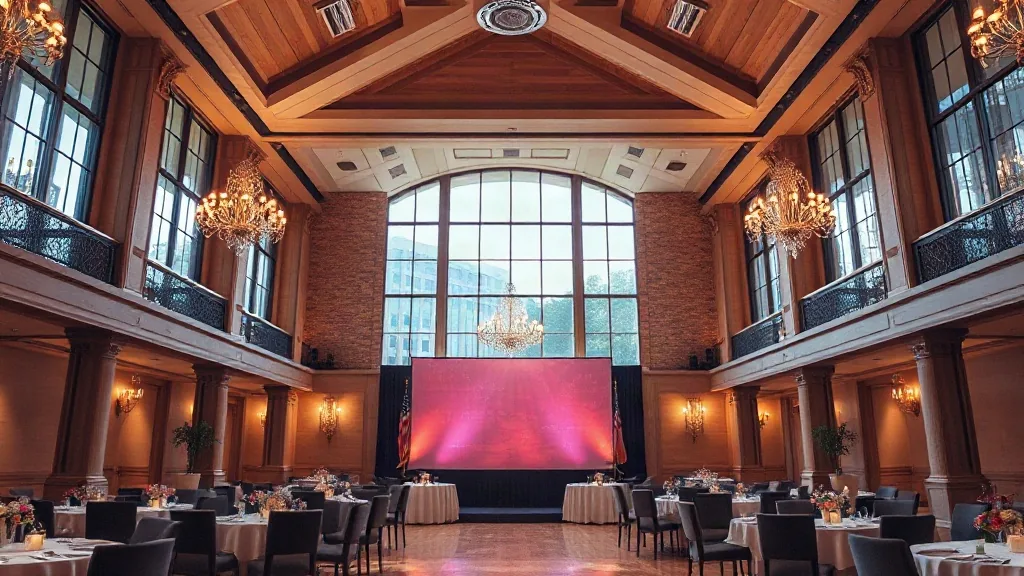
A Series C SaaS company handed me a venue contract they were about to sign for their first user conference. The meeting-space line was $38,000 for three days, 600 attendees, a general session plus six breakouts. It looked reasonable. Then I asked where the AV, power, rigging, and internet numbers were, and the room went quiet. Those were not in the $38,000. Those were the real budget, and they had not touched them. The AV load on a user conference regularly runs larger than the room rental, and nobody who has not done one expects it.
A SaaS user conference is a product show. The keynote has to look like the brand, the breakouts stream to remote customers, and the demo has to work live in front of the people who pay for the software. That is a production, and productions cost money in ways a venue quote hides.
The general session is a small broadcast
A 600-person keynote is not a screen on a stick. It is a staged general session, and the gear stacks up fast:
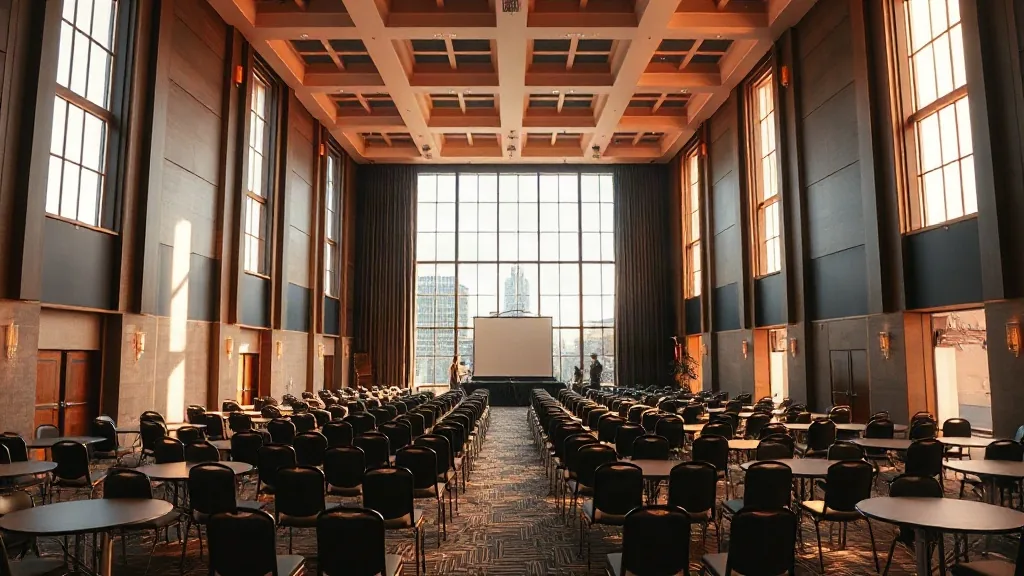
- A wide main screen or LED wall, usually two side screens for IMAG so people in the back see faces.
- A stage, scenic, and lighting package so the keynote reads as the brand, not a hotel ballroom.
- A camera package, at minimum three cameras plus a switcher, if you are recording or streaming.
- A sound system rated for the room, wireless mics with backups, and a comfort monitor for presenters.
For a 600-person general session that runs three days, an outside AV team lands somewhere between $60,000 and $140,000 depending on how much scenic and camera you buy. That is not padding. That is the cost of a product keynote looking like one. The how to scope AV for a conference guide breaks the line items down further, and it is the first thing I would read before signing any venue.
The four costs the venue quote does not include
Here is what hides behind the room rental, and where first-timers get surprised:
Power. A general session with LED and lighting draws real amperage, and the venue charges for electrical service, tie-ins, and sometimes a house electrician you are required to use. Budget $3,000 to $15,000 depending on the load and the venue’s labor rules. A convention center will have a published electrical order form. Read it before you sign the space.
Rigging. Hanging screens, lighting, and speakers from the ceiling means rigging points, and union or in-house labor to hang them. Rigging can run $8,000 to $30,000 at a large venue. Some ballrooms cannot rig at all and force you to ground-support everything, which changes your whole stage design and costs its own money.
Internet. Your demo runs on the internet, and the house wifi will not carry 600 people plus a live product demo. You need a dedicated hardline with committed bandwidth, and venues charge dearly for it. A dedicated 100 Mbps drop can run $2,500 to $10,000 for the event. Do not run a live SaaS demo on shared wifi. I have watched that fail on stage, and it fails at the worst moment.
Labor. Setup, operation, and strike labor, often at overtime or union rates the venue mandates. This is frequently 30 to 40 percent of the total AV number and it is the line people forget entirely.
Breakouts multiply everything
The general session is one room. The breakouts are six, and each one needs a screen, a projector or panel, a mic setup, and someone to run it. Six breakouts at even a modest $2,500 to $4,000 of gear and labor each is another $15,000 to $24,000. If you are streaming breakouts to remote customers, which most SaaS user conferences now do, add capture and encoding per room. The hybrid event AV reality check is the honest accounting of what streaming actually costs, and it is more than the sales rep implies.
Venue types and how they change the AV bill
A convention center gives you the space and the power and rigging infrastructure, but it comes with published labor rules and often mandatory in-house services that raise the AV number. You get scale; you pay for the labor structure.
A conference center built for corporate meetings often bundles competent house AV into the package, which lowers the surprise factor for a mid-size conference of 200 to 400. The trade is you may not get a stage big enough for a splashy keynote.
A theater or performing-arts space is an underused option for the keynote itself. The room already has a stage, rigging, house sound, and sightlines built for an audience. For a general-session-heavy conference, renting a theater for the keynote day can cost less all in than building a full stage in a bare ballroom. Price it. People forget theaters take corporate bookings.
The number that actually matters
Stop looking at the room-rental line. The number that decides your budget is the all-in AV total: gear, power, rigging, internet, and labor, general session plus breakouts. For a 600-person, three-day, streamed SaaS user conference, that all-in AV number commonly lands between $110,000 and $220,000. When a founder tells me their conference budget is $150,000 total, I know before I see the venue that AV alone will eat most of it, and we need to rescope.
The user conference planning playbook has the full build sequence, but the discipline is simple: get the AV number before you fall in love with the venue, because the AV number is the venue decision.
The load-in and strike days you forgot to book
Here is a scheduling cost that ambushes first-timers. A staged general session does not appear on the morning of day one. It takes a day to load in, rig, and program, and a half-day to strike afterward. That means you are paying for the room on days when no attendee is present. A three-day conference is often a five-day venue hold once you count load-in and strike, and if you did not budget those extra room-days, your space cost just grew by 40 percent.
Negotiate the load-in and strike days at a reduced or waived rate, since the room sits dark and generates no F&B. Many venues will discount them heavily if you ask, and almost none volunteer the discount. I also confirm the loading dock, freight elevator, and dock hours in writing, because a dock that closes at 5 p.m. or a single freight elevator shared with a second event can add a full day of labor to your load-in. A large convention center usually has real freight infrastructure; a converted ballroom often does not, and that difference shows up in the labor line.
The build order
- Define the general session: attendee count, whether you stream, how branded the keynote must look.
- Get an outside AV quote for gear, power, rigging, internet, and labor before signing any space.
- Read the venue’s electrical and rigging order forms. Those are real costs the space contract omits.
- Price the breakouts per room, times the number of rooms, times streaming if you need it.
- Compare a convention center, a conference center package, and a theater-for-the-keynote option on all-in AV, not room rental.
Give me your attendee count, your number of breakout tracks, and whether you are streaming to remote customers. With those three, I can put a real AV range on your conference before you sign a venue contract that only tells you half the price.


