Streaming a keynote: encoder, bonded cellular and the venue's uplink
A three-part breakdown of keynote streaming costs, from encoder to uplink.
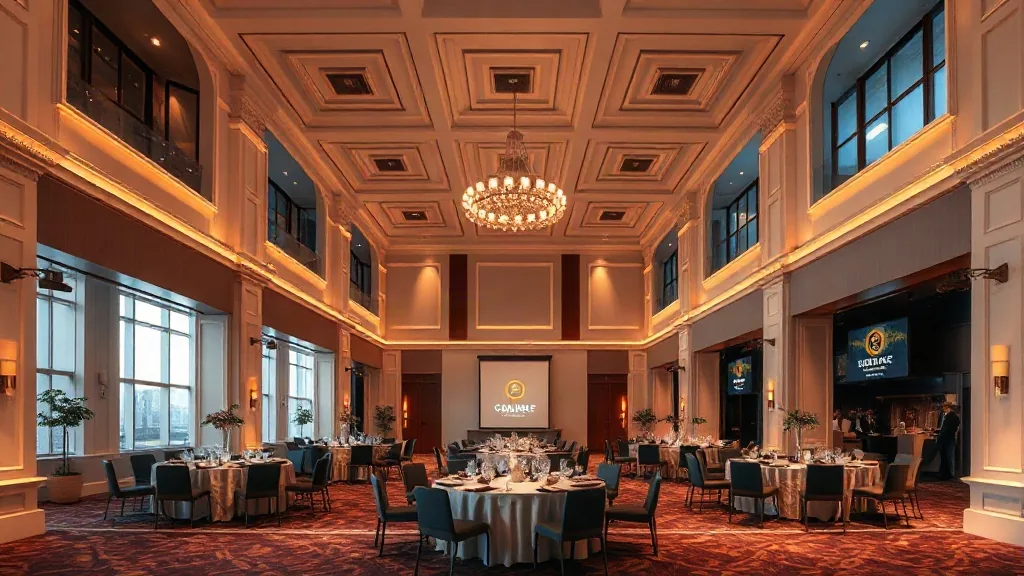
I priced a keynote stream for a client last spring and the AV quote came back at $38,000 for a single camera, a laptop and a hardline. That room had a captive fiber uplink, so the whole production should have cost a third of that. I told the client to hold, then walked the venue’s network closet myself. This is the part of event production most planners ignore until the stream freezes mid-sentence, and it’s the part I now quote first.
The honest breakdown of any keynote stream is three pieces: the encoder that turns the program into a data signal, the network path that carries that signal, and the venue’s connection to the public internet. You need all three working, because a flawless camera feed and a $2,000 encoder mean nothing when the building’s shared uplink is saturated by the attendee Wi-Fi.
The encoder choice sets your ceiling before the camera does
Your encoder is the box that compresses the video signal from the switcher or camera into an IP packet stream. Hardware units from companies like Teradek or AJA cost somewhere between $2,500 and $8,000 depending on inputs, and they are what I specify when the client asks for reliability over flexibility. Software encoders like vMix or Wirecast cost a few hundred dollars in licensing and run on a laptop you already own, but they demand a dedicated machine and they still fail at the exact wrong time.
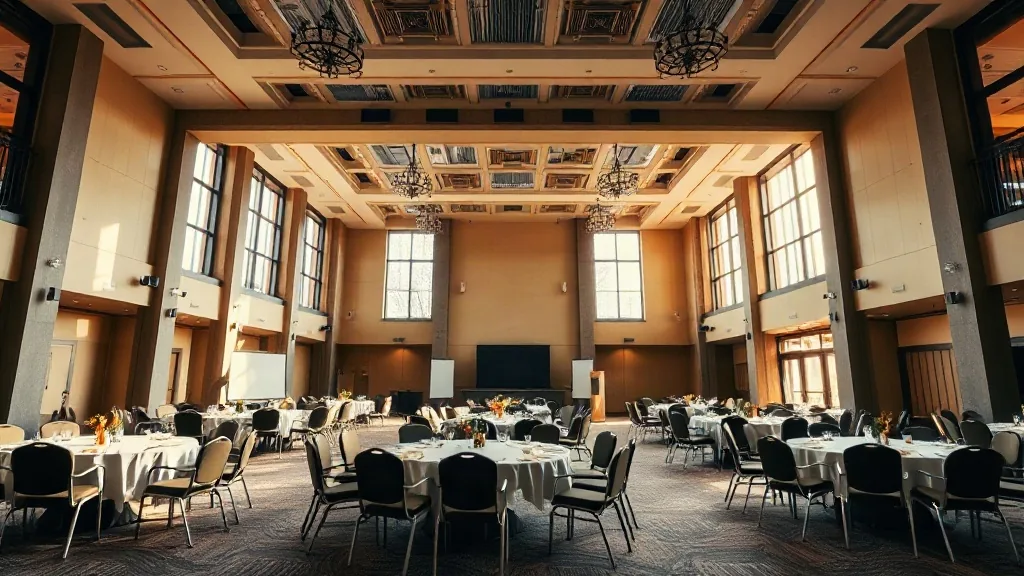
The operational rule I run on is simple. For a one-camera, one-speaker keynote, a software encoder on a dedicated i7 laptop is fine, provided you bring two laptops for alternating redundancy. For anything with a multi-camera switch, a director, or a broadcast-style graphics package, the hardware box wins because it keeps the video handshake stable across devices. Plan for a primary and a backup in either case; the backup encoder sits powered on and linked, ready to switch in seconds, and that pair adds about what one hour of cancellation risk costs on a typical AV contract.
Bonded cellular is your backup, not your primary network
Every planner I know who streams regularly carries a bonded cellular unit, a service that combines multiple SIM cards from different carriers into one stable connection. A quality bonded unit and its monthly software plans run around $1,500 to $3,000 in purchase costs, plus a monthly service plan that tracks fair usage. I carry one on every keynote where the client’s C-suite is speaking, because a dropped stream for the board is a career event.
Bonded cellular is not a substitute for a proper venue uplink. It is an insurance layer. The service is genuinely good in major markets; Atlanta’s core, where I do most of my work, has strong 5G coverage across Midtown and Buckhead. But bonded service does not fix the venue itself.
Budget the bonded unit as part of your standard kit for a keynote. Rent it if you only stream a few times a year; a vendor will rent a complete bonded setup for maybe $800 to $1,500 per show day. Buy it if you stream monthly, because the break-even point lands around five events, and the unit retains value if you ever exit the business.
The venue uplink is the number nobody quotes in writing
The numbers I see in practice break into three quality bands. A small theater or a conference room with a standard 100 Mbps synchronous business line will handle a single 1080p stream at 8 Mbps with no issue, provided the stream is the only heavy consumer on that circuit. A mid-size performing arts center often has a dedicated 1 Gbps connection, and that gives you comfortable headroom for a 4K main feed plus a backup and even a secondary language feed. The big challenge is the ancient venue with a shared 50 Mbps connection that also runs the box office and the lobby kiosks.
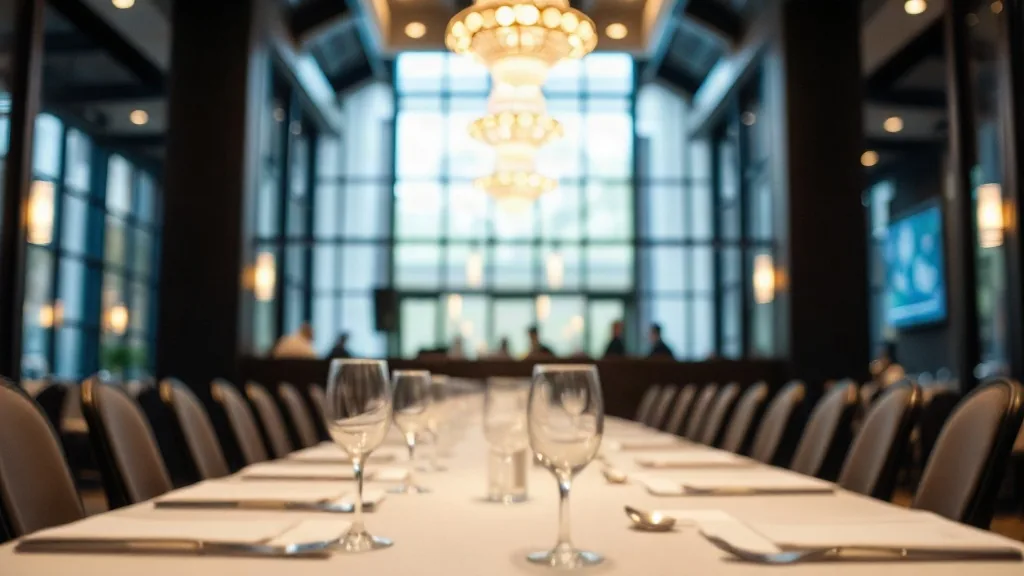
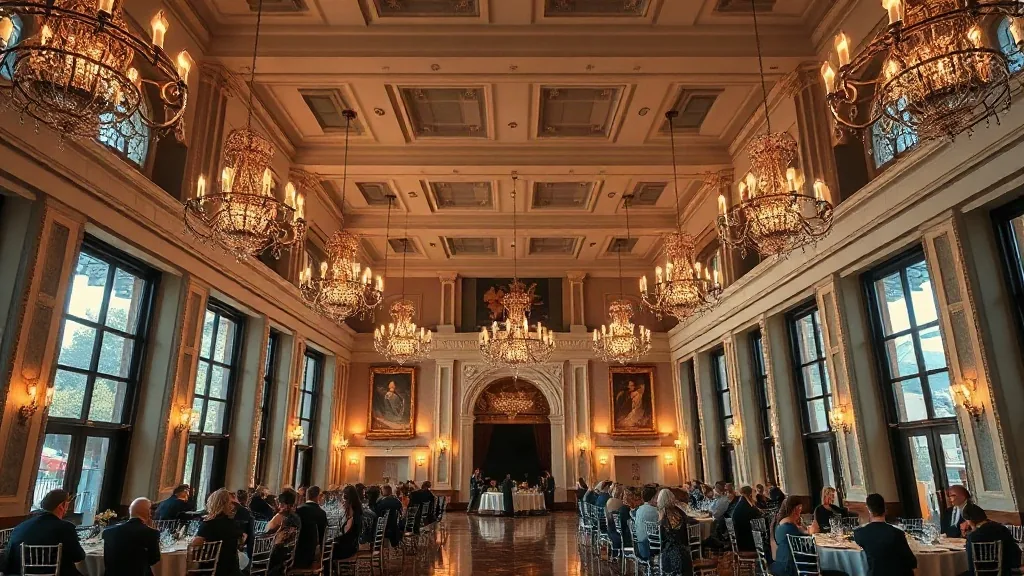
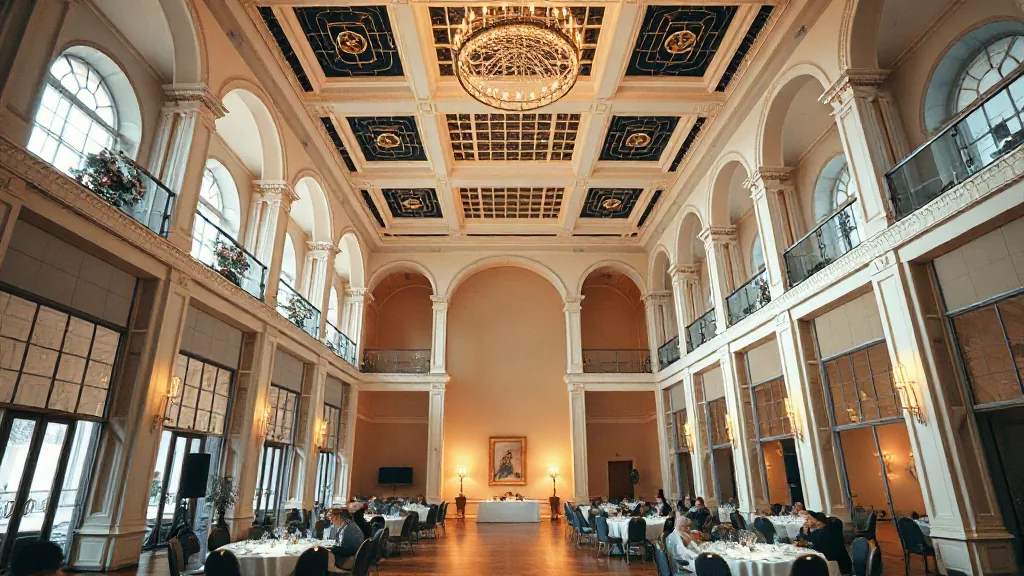
My advice is to have a contract clause pulled and ready that specifies a dedicated bandwidth allotment, separate from the guest network, for the duration of your event. In practice, the venue will usually agree to it without pricing it separately if you ask nicely. A great example of a room built for this is the type of space you see in my notes on theaters and performing arts venues, where the stage lighting and the internet backbone are treated as equally important infrastructure. Walk into a room like the ones in my roundup of Knoxville’s theater venues and the uplink question gets answered in under a minute.
Do not trust a verbal promise. Your contract should state the minimum upload speed, say 100 Mbps, and state that the streaming production is excluded from any fair-use or guest-traffic shaping policies the network runs automatically. I have also added a clause that waives the venue’s Wi-Fi fee for attendees if the business uplink is used for the keynote, because that saved my client about $2,000 in surcharges alone. When the venue pushes back on the bandwidth spec, that is a signal about their whole technical operation, and you can move the discussion to a demand for a dedicated point-to-point line rented for the event day, which typically costs between $1,200 and $3,000 depending on your city and the physical distance to a fiber tap.
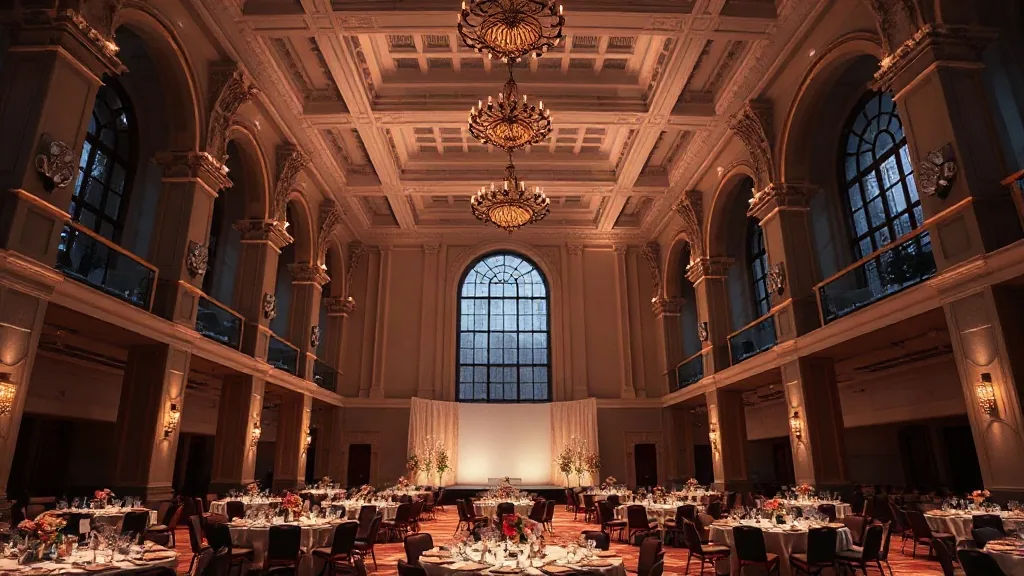
Some of the best backdrops for a live stream are also among the easiest to provision because their cable infrastructure is modern, like the rooms I tracked in my notes on Fort Lauderdale’s best hotels and resorts, which surprise me with fiber because they host so much large enterprise event traffic.
Test day leaves nothing to chance and the backup plan runs all day
The event day itself runs on a ladder of escalation. A stage hand is assigned to watch the encoder’s output monitor and alert me instantly if the bitrate drops. My second call goes to the venue’s network admin, whose mobile number I have traded well in advance, not someone I need to track down through a general front desk line. The bonded cellular unit is configured to take over as the secondary encoder output, and the streaming platform is set up to allow a mid-event switch without killing the session.
I have learned to pack my own network cables and connectors, the cheap ones they swap in a hotel AV closet are what a stream does not survive. A $60 fiber-to-ethernet media converter has saved a show when the venue’s fiber port was a different format than the encoder expected. The audio is worth reviewing too; a keynote stream with muffled audio gets abandoned by viewers in ninety seconds, so I bring a spare XLR cable for the feed from the house mixer.
The operational detail, I never skip the prep for a live stream, is the time zone math on the stream’s end time and the recording. Ask your streaming provider about their automatic recording feature and confirm the time code is set to your event’s location time, which matters when a client wants to repost it later.
I have also found that the best technical partners are often part of the venue staff, not the third-party production vendors. A good in-house AV lead knows the building’s quirks, the latency in the router, and which network port has been running for five years without a reboot. Treat that engineer as a primary stakeholder, and bring them into the planning sessions early.
Tell me your venue’s promised upload speed and your camera count, and I will tell you whether you can trust them. Send me your event date, your keynote’s expected headcount of remote viewers, and the total hours you need the stream live, and I will quote you the hardware and the network path before you sign a contract with an AV vendor. The right encoder and a tested uplink are worth a negotiation, and I have the numbers to back it up.